How Orvik connects to your stack — exactly as it stands.
Orvik is early and honest about it. This page lists how data gets in and out of each product today, what is being built, and what is not connected. Nothing here is a roadmap dressed as a feature.
Integration status
- LiveActivity logging in Orvik Analytics
Daily dials, connects, conversations, emails, replies, meetings and LinkedIn — entered by a rep or manager.
- LiveBackup export and restore (Analytics)
Full JSON export of configuration, roster and history; validated restore. Analytics workspace data is device-local today, so the export is your server-independent copy.
- LiveSign-in through WorkOS AuthKit
Server-mediated sessions. Orvik never stores your password.
- LiveAI coaching notes with your Anthropic API key (Analytics)
Optional. Drafts a short coaching note from a reviewed call. Off until you add a key.
- LiveWriting assistance: Orvik AI or Your AI (Flow)
Manual, Orvik AI, or a provider you connect — bounded to the writing context.
- Not live yetSending mailboxes and domains (Flow)
Provider-neutral sending model with per-mailbox, per-domain and organization caps. Mailbox providers are not connected in the current build.
- Not connectedCRM connectors
Not connected. Closed Won is designed to be fed by a CRM and runs on placeholder data until one is.
- Not connectedDialer and conversation-intelligence connectors
Not connected. Call recordings and dispositions are placeholder data today.
Activity is logged in Orvik. Everything else is derived.
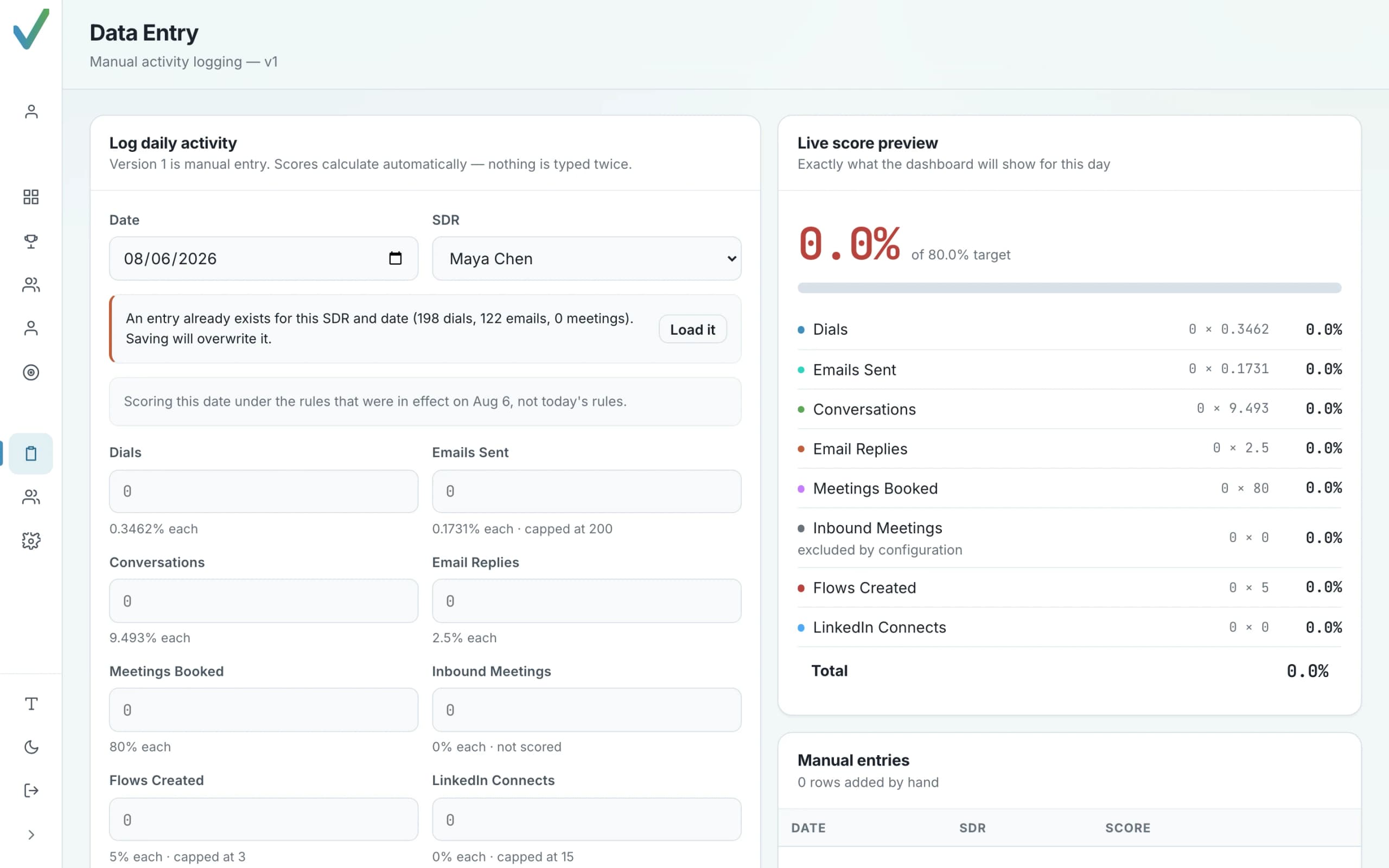
Today a rep or a manager records each day's activity directly in Orvik. Scoring, Funnel Diagnosis and Projected Finish are computed from those entries.
- Dials, connects, conversations, emails, replies, meetings (inbound and outbound separately), flows and LinkedIn per rep per day.
- The invariant dials ≥ connects ≥ conversations is enforced on every write.
- Roster, quota, ramp, environment and scoring configuration are versioned by effective date.
Analytics is designed so that connected sources replace manual entry without changing how scoring works — a Salesforce meeting and a hand-entered one differ in origin, not in how they count.
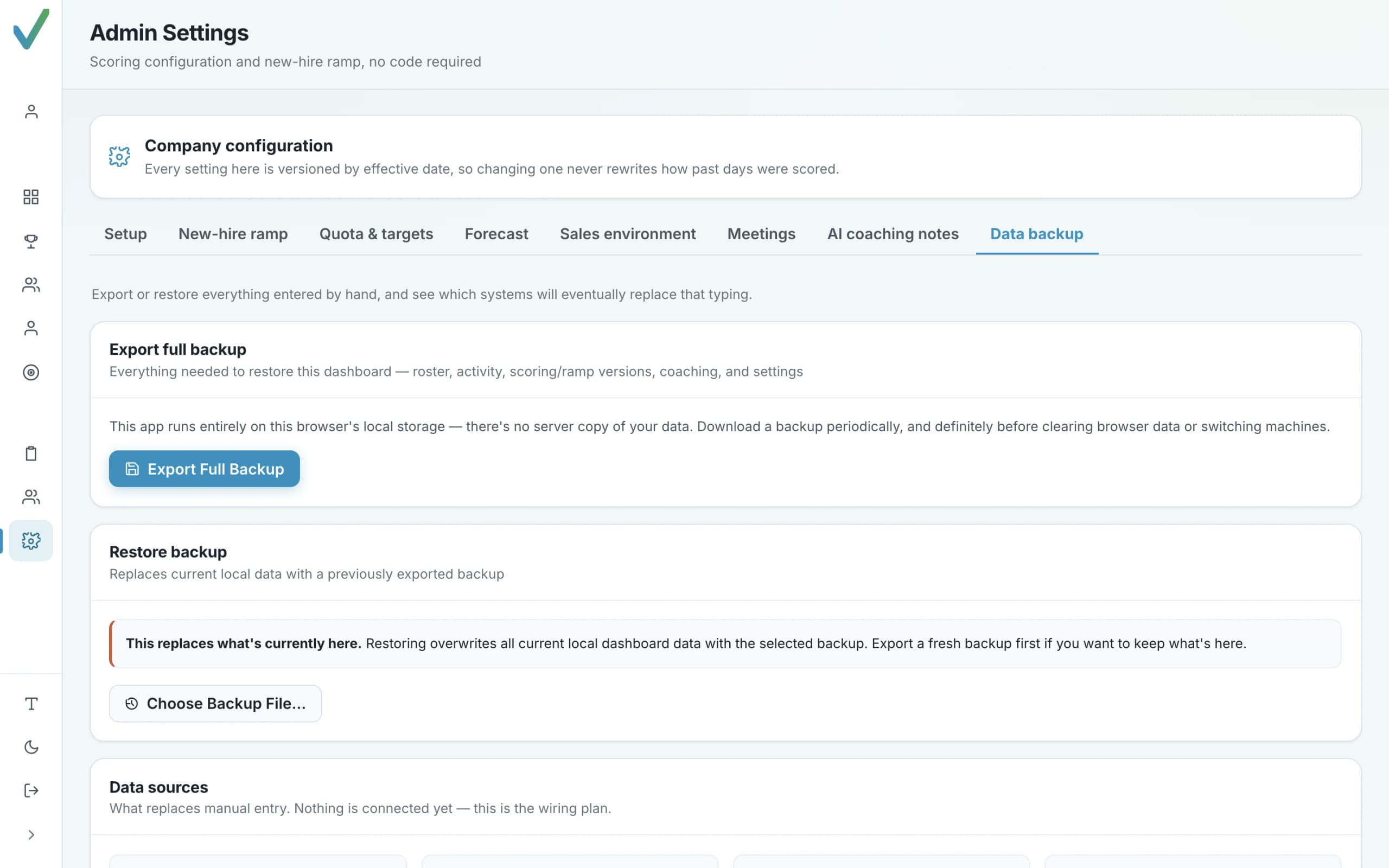
Your data is exportable, and restorable.
No lock-in by obscurity: the whole workspace can be exported as a file you own.
- One-click backup of configuration, roster, activity history and coaching records
- Restore is validated before anything is written — the only path that can destroy data is guarded
- Plain JSON, readable without Orvik
Analytics workspace data is held in the browser's local storage today — there is no server copy yet — so the export is the copy you control. The server-side store is being cut over progressively; see Security & Trust.
A provider-neutral sending model.
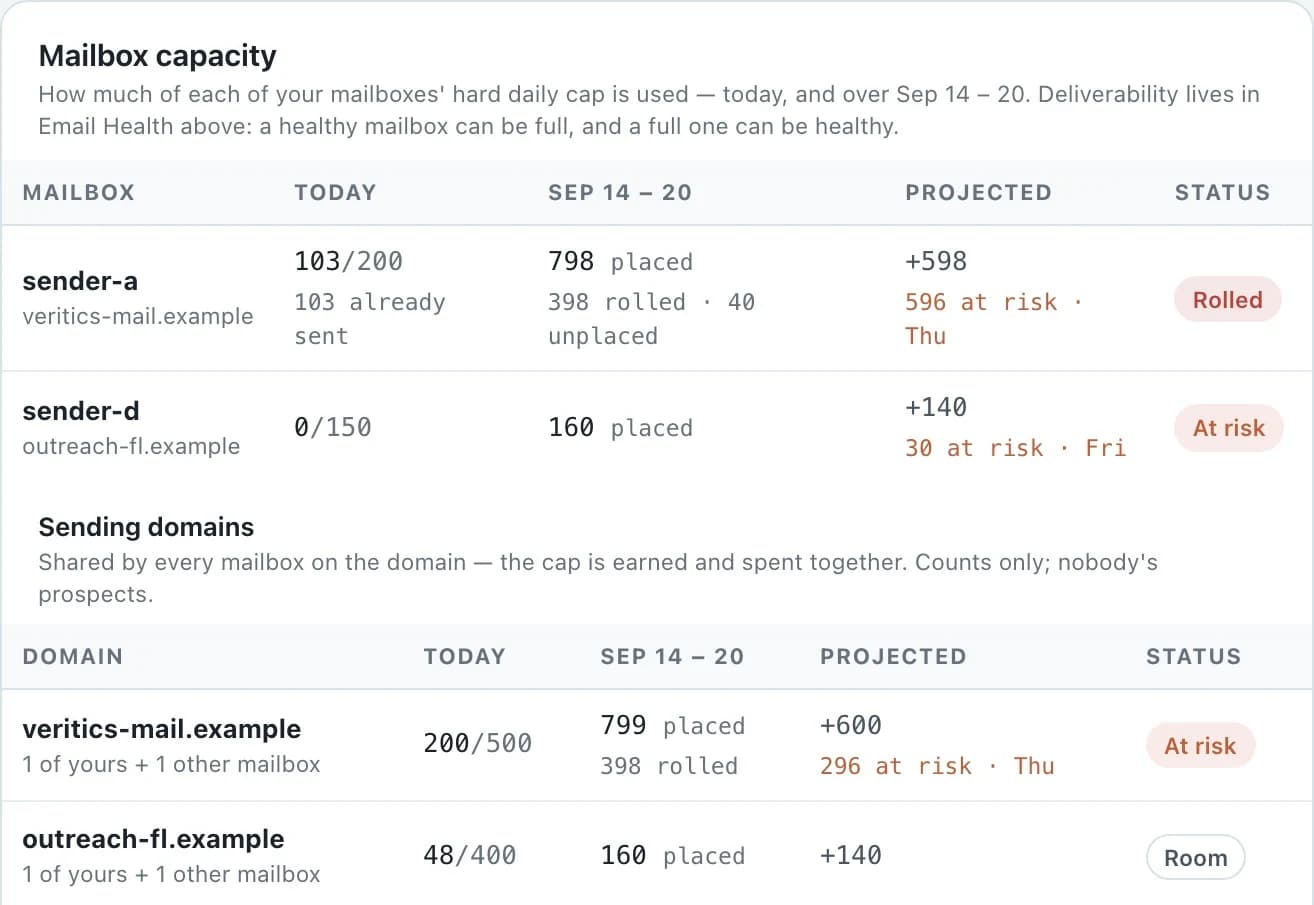
Flow treats mailboxes and domains as shared, capped resources — which is what deliverability actually depends on.
- Each flow sends from one of its owner's mailboxes; nobody else's mailbox is ever offered.
- Daily caps at mailbox, domain and organization level; the effective cap is always the tightest one.
- Emergency pause for all outbound email, and a trial entitlement that can only lower what is effective.
Mailbox providers are not connected in the current Flow build. The sending model, forecast and health surfaces are designed so providers populate the same counts as they are connected.
AI features exist. They are optional, labelled, and bounded.
Analytics · AI coaching notes
Add your own Anthropic API key in Admin Settings and Orvik can draft a short, specific coaching note from a reviewed call for a manager to use in a 1:1. Without a key the feature simply isn't there. Scoring, diagnosis and projections never involve a model.
Flow · writing assistance
Write by hand, with Orvik AI, or with Your AI — a provider you connect that receives exactly the same bounded writing context and nothing more: not the workspace, not other users' data, not other prospects.
Authentication through WorkOS AuthKit.
Orvik is a confidential OAuth client: the server performs the sign-in exchange and seals the session into a cookie the browser cannot read. Browser JavaScript never holds a token, and Orvik never stores a password.
Authorization — who belongs to which organization, with what role — lives in Orvik's own database under row-level security, not in the identity provider.
- Identity providerWorkOS AuthKit
- SessionServer-sealed HttpOnly cookie
- Tokens in the browserNone
- AuthorizationOrvik database, row-level security
- Open redirectsRefused by a shape whitelist
Not connected yet — and not pretended.
No CRM, dialer, sequencer or conversation-intelligence connector is live in Orvik today. Where the product shows Salesforce, Gong or Orum links, it is labelled placeholder data. Orvik will not list a logo it cannot deliver.
Connectors are prioritised with customers. Tell us what you use — book a demo or use the chat launcher — and you'll get a straight answer about timing.
See how Orvik fits your team.
Start with the free trial, buy outright, take the AI demo, or book time with Orvik. The chat launcher is always there too.